There are two things I hate the most when dealing with servers: migrating a huge database and fixing a broken Docker Compose file.
This time, I got both at once lol.
It all started because the Google Cloud trial I was using was about to expire. Around three months earlier, I had created a VM on Google Cloud to run n8n. When I first installed it, there was not much inside. Just a few experimental workflows, Telegram bots, and small automations I was still playing around with.
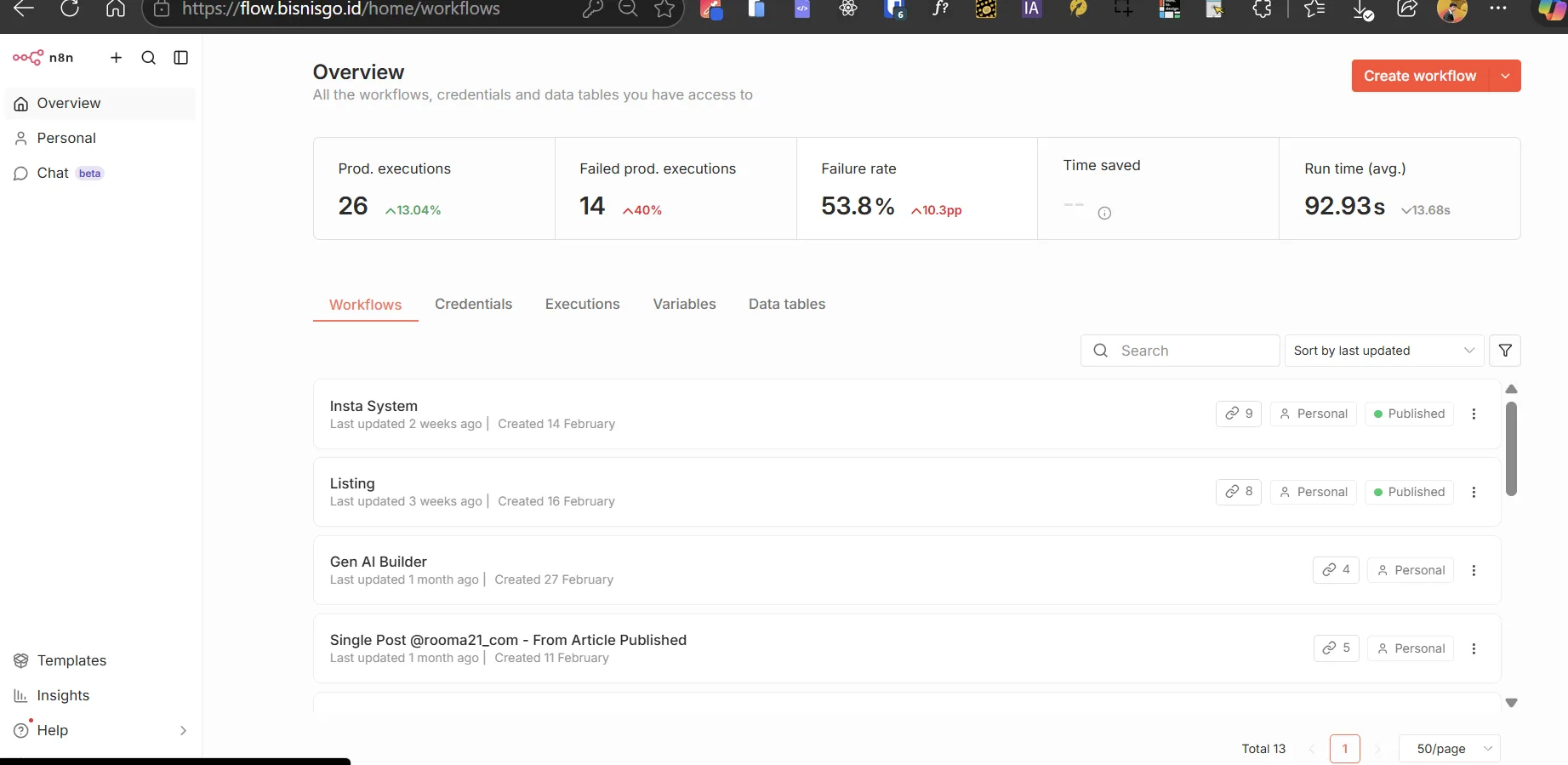
Since I kept using n8n, the number of workflows slowly grew. I started building an omnichannel system, Instagram workflows, a Gen AI Builder, various API credentials, webhooks, community nodes, and thousands of execution records.
Delete the old VPS, hahaha.
Without realizing it, the SQLite database had grown to almost 2GB.
The problem was that the Google Cloud trial kept counting down. Google Cloud obviously did not care whether my workflows were still running or whether I had backed up my Telegram bot credentials yet lol.
Before the trial credits ran out and the old VM was deleted, I had to move the entire n8n instance to a new VPS running AlmaLinux and aaPanel.
The goal was not just to make the n8n login page appear again. Every workflow, credential, user account, webhook, community node, binary file, and execution history had to remain intact.
So, in this article, I want to talk a little about how to migrate n8n safely, specifically from an old GCP server to a new AlmaLinux server using Docker and aaPanel.
Securing a 2GB SQLite Database
Have you ever moved a production server whose SQLite database had grown to almost 2GB?
Well, I just did that for flow.bisnisgo.id.
In simple terms, there were three main components I had to move:
-
The .env file containing the encryption key and n8n configuration.
-
The SQLite database and the rest of the data stored in the Docker volume.
-
The docker-compose.yml file used to run n8n on the new server.
The most important part was actually the .env file.
n8n credentials are stored in the database in encrypted form. To read the old passwords, tokens, and API keys on the new server, n8n needs the exact same encryption key.
It looks something like this:
N8N_ENCRYPTION_KEY=YOUR_OLD_ENCRYPTION_KEY
If the 2GB database is successfully moved but the encryption key is left behind, the credentials may still appear in the dashboard, but their contents will not be decrypted correctly.
Before creating the backup, I stopped the old container first so SQLite would not be modified by any active workflows.
docker stop CONTAINER_NAME
After that, I compressed all n8n data into a single backup file:
tar -czf /root/n8n-full-backup.tar.gz \ -C /var/lib/docker/volumes/n8n_data/_data .
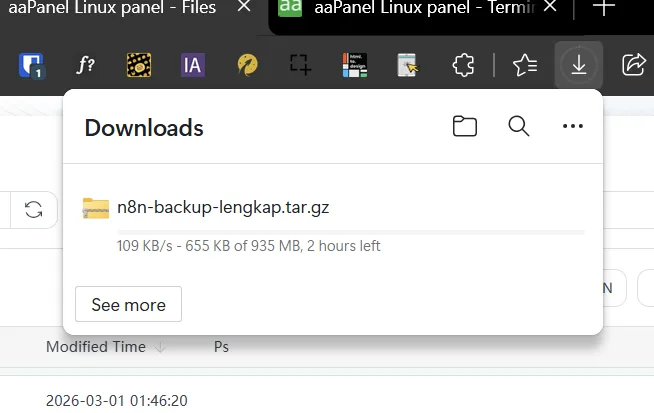
The original database was almost 2GB, but after compression, the archive size dropped to around 935MB.
The download took almost two hours because the speed was only around 100 to 137KB per second. Truly the perfect moment for my internet connection to travel back in time.
Once the file had been transferred to the AlmaLinux VPS, I extracted the backup into the new Docker volume:
tar -xzf n8n-full-backup.tar.gz \ -C /var/lib/docker/volumes/n8n_data/_data
I also made sure that database.sqlite, the community node folder, binary data, and other configuration files were actually included.
Once the database and .env file were safe, I thought the hardest part was over.
It was not.
Leftover OpenClaw Configuration in Docker Compose
After all the files had been moved, I immediately ran the magical command:
docker compose up -d
The expectation was simple. Docker would pull the image, create the network, and change the container status to Started.
Instead, I got this error:
invalid spec
After checking the configuration, I discovered that the docker-compose.yml file from the old server still contained leftover settings from an experimental service called OpenClaw.
That service was no longer being used. Its image and several references were also unavailable on the new server. But because the configuration block was still inside the Compose file, Docker Compose kept trying to process it.
Could the Compose stack run?
ABSOLUTELY... ABSOLUTELY NOT lol.
So I cleaned up the old Compose file and rebuilt the configuration to focus only on running n8n.
services: n8n: image: docker.n8n.io/n8nio/n8n:latest container_name: n8n_bot_bisnisgo restart: unless-stopped